LexonTech

Tech, mostly Apple, from Lex Friedman.

SponsorMojave Paint: Your image editing toolkit for macOS 15 Sequoia or laterDownload and try it free for 14 days
•Indie Developer Spotlight

Indie developer spotlight: Jared Sorge

A LEGO collection manager and a git worktree command center, from the same one-person shop

Jared Sorge makes two apps that have absolutely nothing to do with each other, but that both clearly speak to things he’s passionate about. The best apps are the ones whose developers are passionate about them.

Jared builds an app for tracking your LEGO collection, and another for developers who juggle a lot of git branches at once. I tried hard to find a through line for these two apps.

Link •E-Readers

This gadget—and free software—makes e-reading fun again

Harry McCracken joins various other tech friends of mine in falling in love with tiny e-readers. I’m not there yet, but I’m intrigued.

It turns out that yes, I do want to carry an e-reader in the same pocket as my phone. Like Amazon’s Kindles and other better-known contenders, those from China-based Xteink are optimized for reading, with paper-like screens and the ability to run for weeks between charges. The fact that they aren’t hooked up to an e-book store turns out not to be a catastrophe.

•Apple •iPhone

It’s shocking that Apple hasn’t improved the new iPhone setup experience

New iPhone Day should be exciting. I kind of dread it.

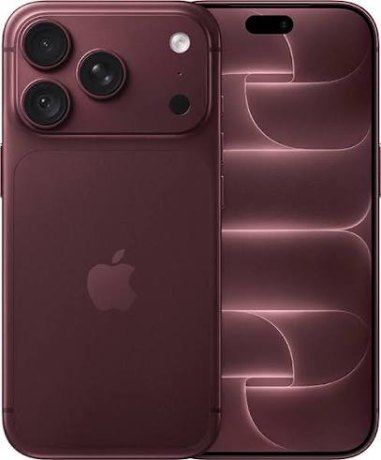
I got a new iPhone 18 Pro today. My early review: It’s good.

But I am genuinely shocked at how little Apple has improved the new iPhone setup experience in recent years.

I did the thing where you get Apple’s take on a QR code, point one phone’s camera at the other phone’s weird image, and start your transfer. I like that phone to phone transfer the best, but none of the options for setting up a new phone like your old phone are perfect — they just come with different tradeoffs.

•Apple •Ask Lex

Ask Lex: What discontinued Apple product do you wish were brought back?

Lex on Tech members can submit questions that I answer right here on the site. Reader George asks:

•Podcast

You should listen to Heavyweight

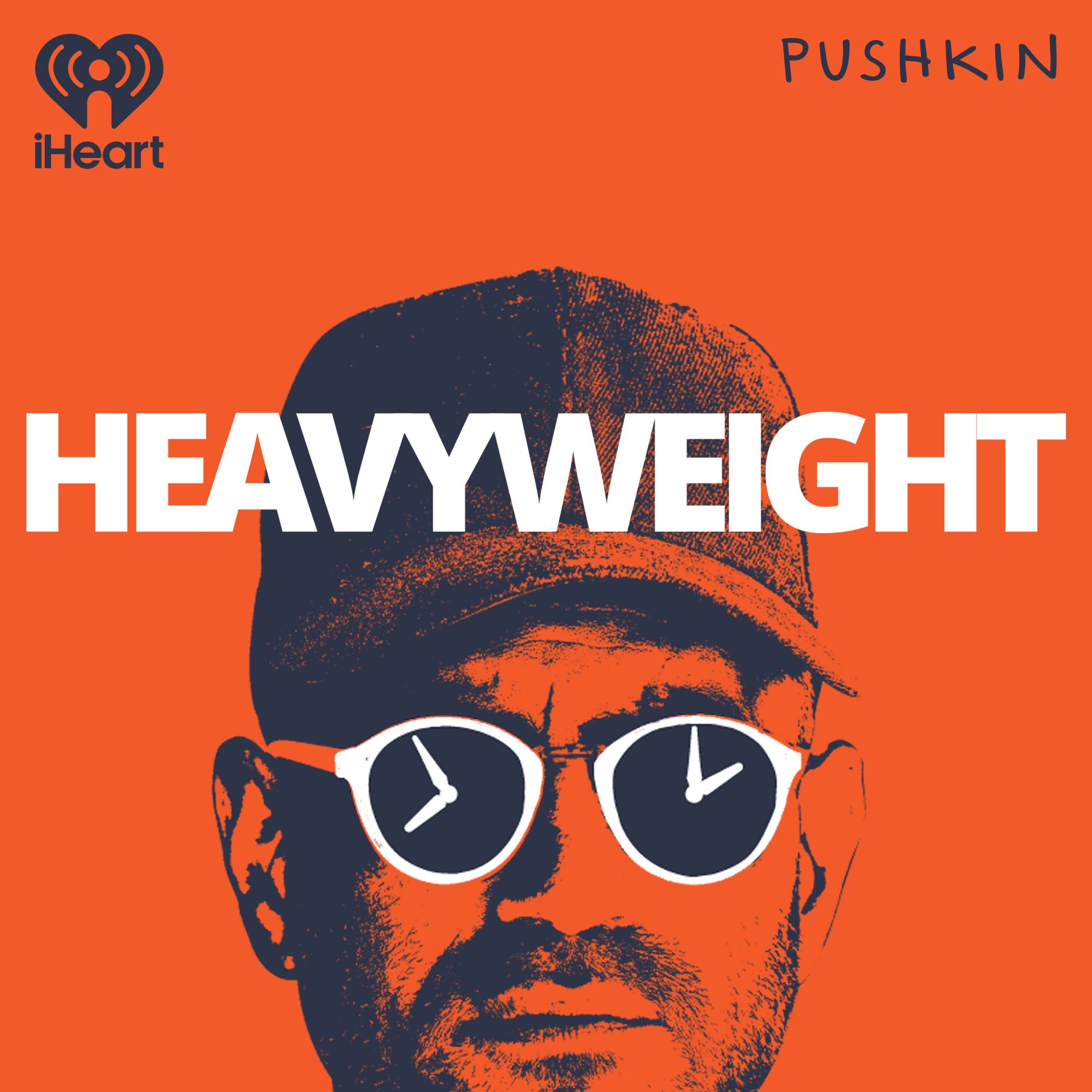
Key art for the podcast Heavyweight: the title in white capitals over an orange-and-navy portrait of a man in a cap and clock-faced glasses.

Like many of you, I suspect, I got into podcasting through nerdery. I was a nerd. I am a nerd. I created a podcast, and I listened to nerdy podcasts. Many of us in the Apple/tech community still listen almost exclusively to nerdy podcasts. That’s okay.

But there are a whole lot of podcasts out there.

I’m an avid podcast listener, which probably isn’t surprising. I worked on the business side of podcasting for about 16 years.

•Apple •iPhone •Opinion

Apple’s short-term iPhone Duo misstep

Developers, developers, developers… are annoyed, annoyed, annoyed. And their users will be, too.

UPDATE: MY WHINING WORKED.

Previously:

Apple isn’t setting the iPhone Duo for maximum success from day one.

Oh, it’s an impressive feat of hardware engineering. While I don’t want one as my main carry iPhone, I’d love to play with one. But I’m a-okay with the iPhone 17 Pro’s form factor, and when I use a big screen (like my iPad’s), I have the device in a keyboard case 100 percent of the time.

Link •Odds & Ends

“I promised I‘d find it.”

Matt Haughey shared some cool videos he’d seen recently. This one, from a YouTuber who figures out where photos were taken, instead becomes a 10-minute journey into finding when a photo was taken. I was mesmerized.

This was the last photo he ever took with his father. And he asked me this: “My dad passed away unexpectedly in 2004. And we spent a lot of my younger years going to games. Attached is the only photo I have of us at one of those games. The problem is I don’t know what game it’s from. I know you’re busy, but hopefully you can find time to do this.” I had time.

Link •AI •Apple

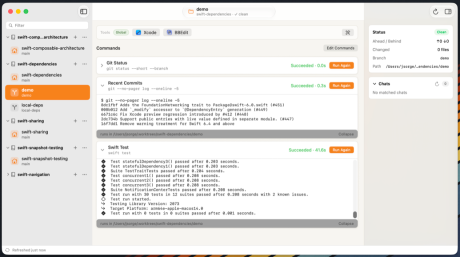
125 tests of the new AI Siri

Jason Snell links to David Pogue with all kinds of things the new Siri can do now that iOS and macOS 27 have arrived.

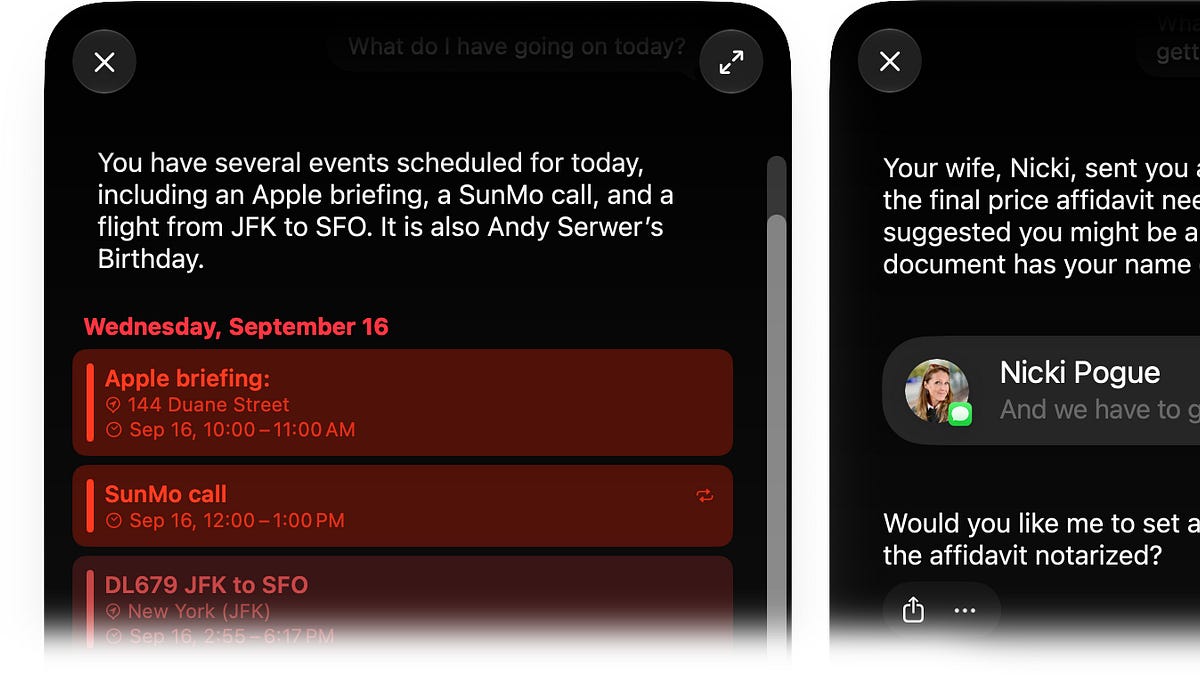
You can say things like, “What did my wife say I was supposed to do with the plants?” Or, “What was the show that Casey said I should watch?” Or, “What’s my flight number to Austin?” And it pops right up.

You may not even care where that information actually lives—some text message, some email, some note. All you know is that you didn’t have to go scrolling your messages back to A.D. 700 to find the answer.

The hardest part will be getting out of the habit of opening apps, and remembering that you have Siri. Give it a few tries. Learn to trust it. You’ll save incredible amounts of time and fumbling.

It is absolutely challenging to remember to use Siri after trusting it with only the simplest tasks for years. And Siri’s CarPlay integration right now, in my experience, remains worse than before. But some of the Siri AI stuff is remarkably good.
Link •Odds & Ends

“Insert your favorite nursery rhyme.”

Make Some Noise is one of many fantastic improv comedy shows on Dropout. I noticed one of the ongoing themes is “tech gone bad,” so I compiled a short list below. I just find these really funny.

Marcin is right. The show is great, and these are really funny improvised tech glitches.

Link •Odds & Ends

Homebrew 7.0.0

Today, I’m proud to announce Homebrew 7.0.0. The most significant changes since 6.0.0 are faster installations and upgrades, stronger sandboxing, [and] a native macOS app.

If you need Homebrew, you probably already use Homebrew. But the new “official” Mac app is clever and built well.

(If you’re thinking: What the hell is Homebrew? Homebrew makes it simple to install, update, and manage command-line tools, developer utilities, and even Mac apps. Think of it as an App Store for software that developers and power users typically install through the Terminal. But this new Mac app is certainly interesting, too…)

•Indie Developer Spotlight

Indie developer spotlight: Alexander Käßner’s MeterStats helps track your home’s utilities

Track electric, gas, and water use one reading at a time, and find out whether the new fridge is paying off

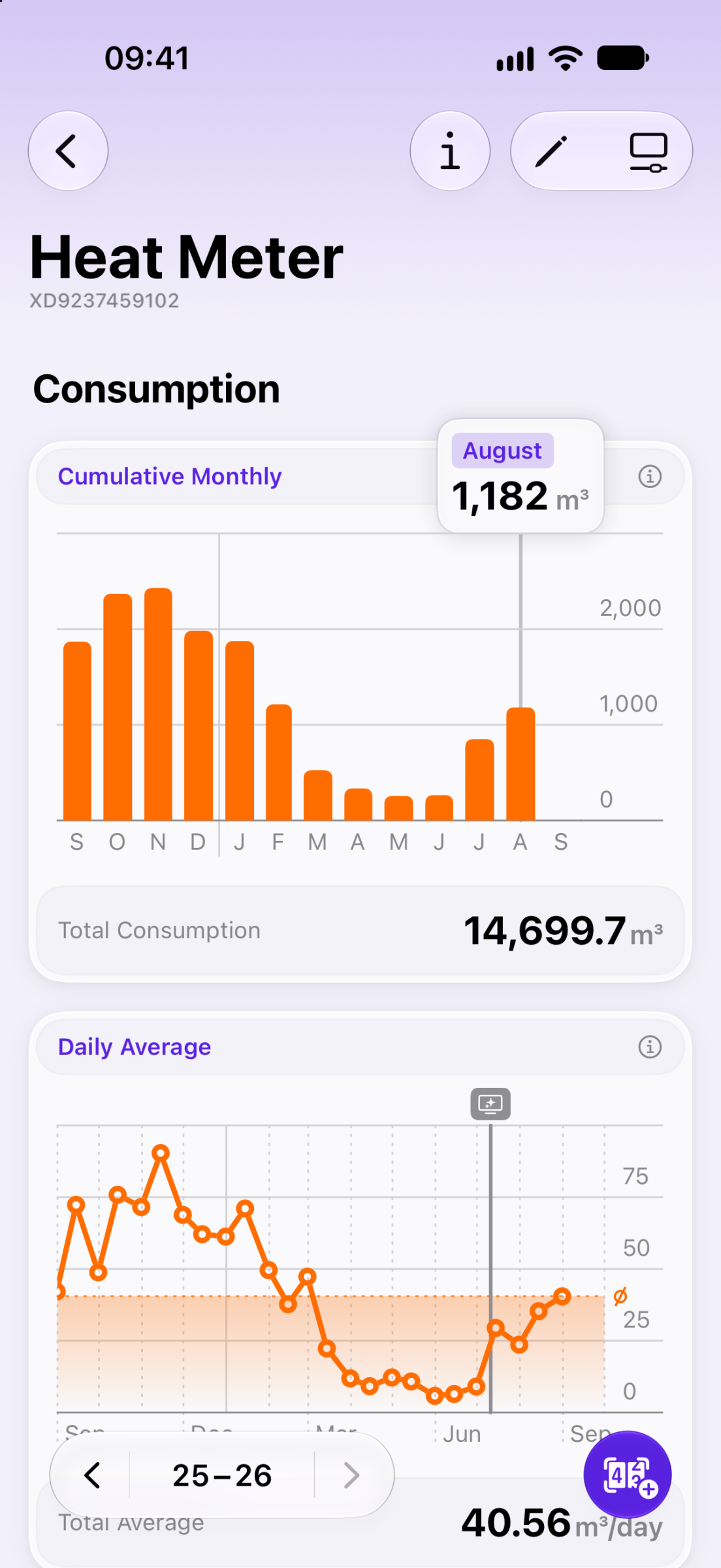
MeterStats Heat Meter screen on iPhone, with a cumulative monthly bar chart, a daily average line chart, and a total consumption of 14,699.7 m³

MeterStats is an iPhone and iPad app for people who want to know about utilities their home is actually using. Sure, you could wait for the (potentially painful surprise!) of the utility bill a month later. But it’s 2026. We want to know now. That’s what MeterStats is for.

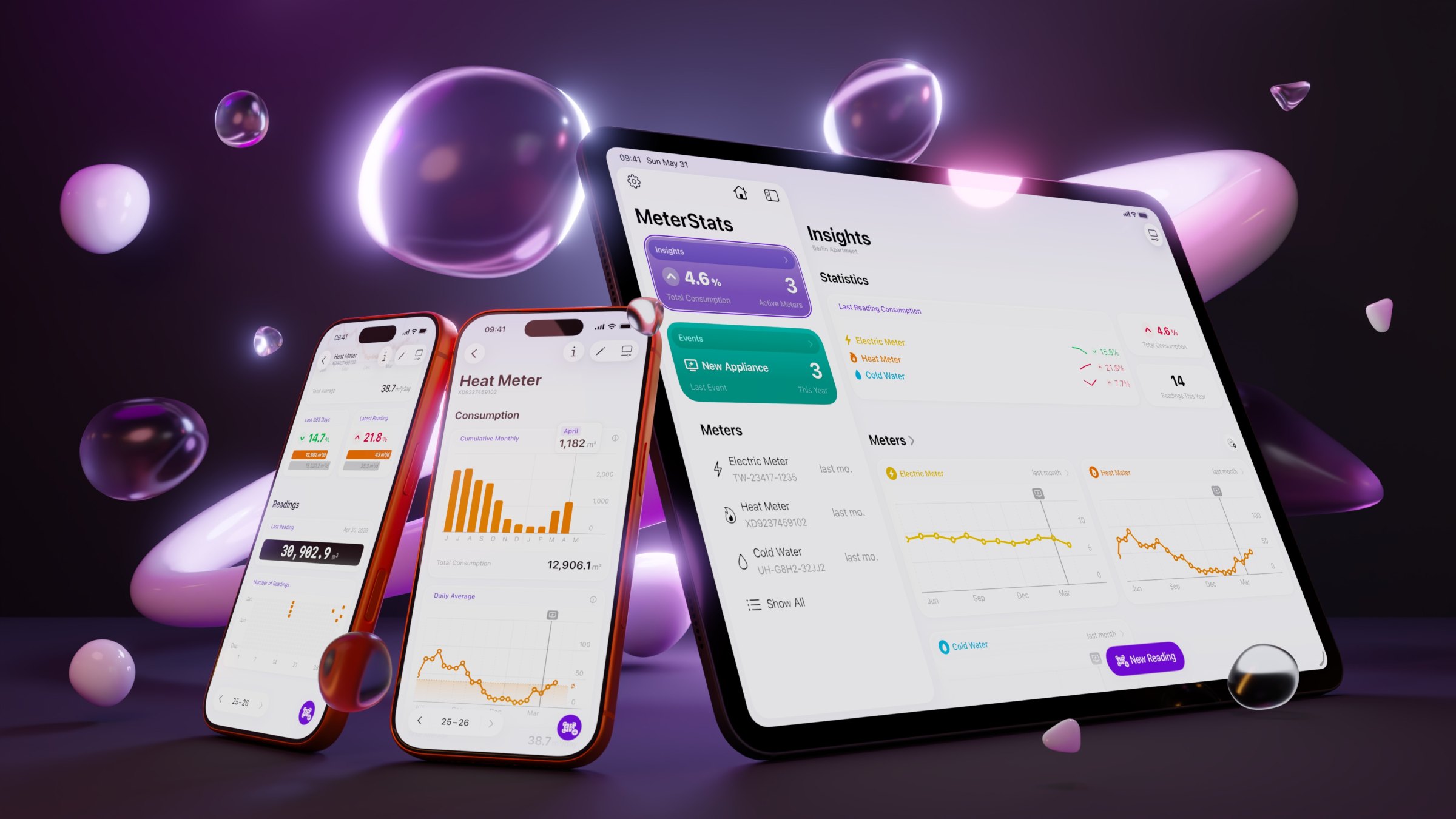
MeterStats on an iPad and two iPhones, showing the Insights dashboard and a Heat Meter consumption chart

The idea is simple. Every so often, you walk over to your electric, gas, or water meter, read the number, and tap it into the app.