We all need a good image editor, and Mojave Paint is a new one that’s lightweight, fast-opening, and handles your pixels with absolute precision.
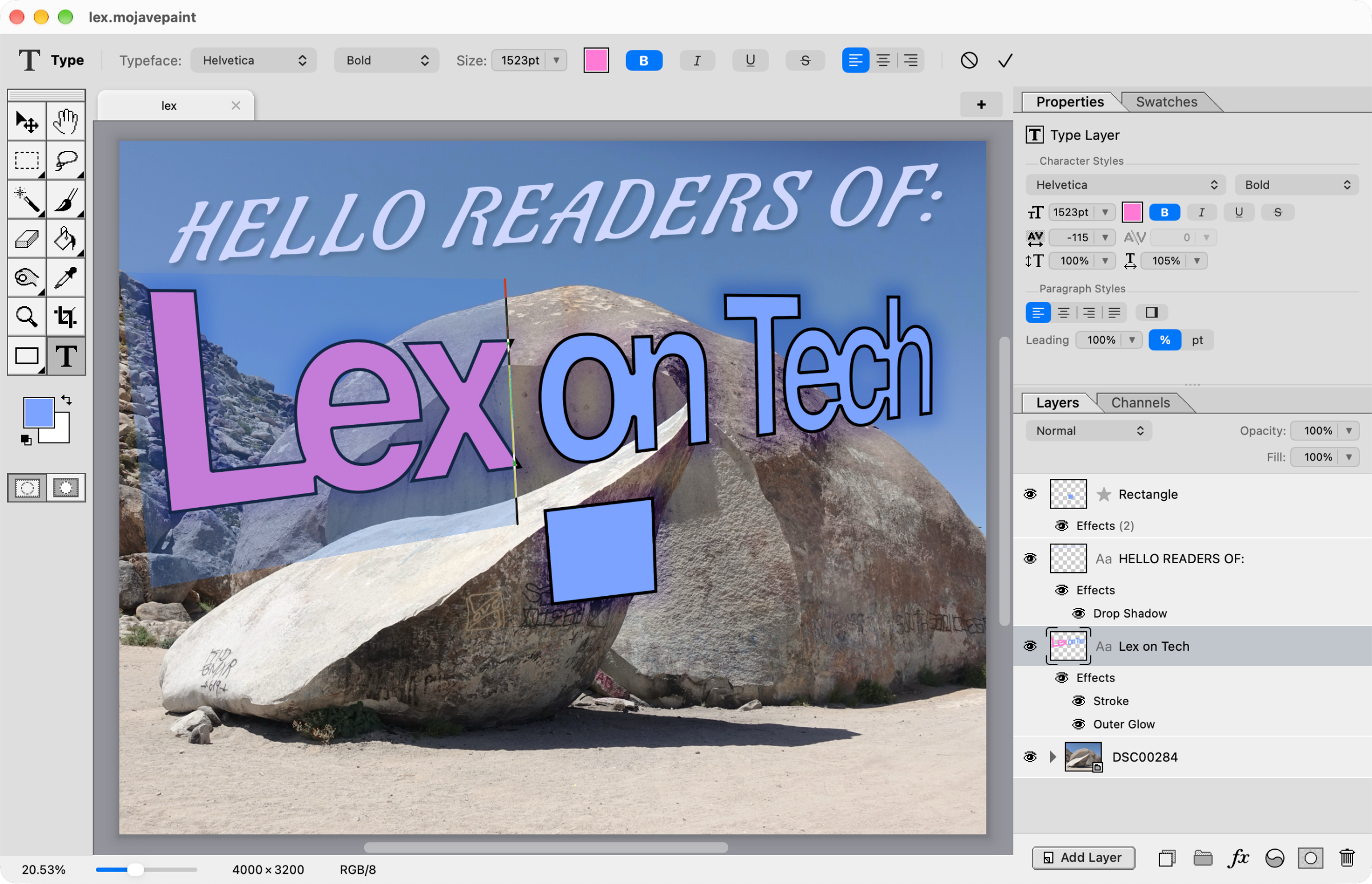
Is this a “Mac-assed” app? Maybe, maybe an old-ass Mac-assed app that looks like it’s from the 1990s, complete with icons that would be right at home on a 1984 Macintosh. We would never trample established Mac shortcuts like ⌘H, nor would we offer F-key shortcuts. F5 and F12 are great for DOS but this is the Mac after all, where most people use their Function keys as Media keys.
Don’t be misled by the retro appearance — Mojave Paint is built from the ground up in Swift and Metal for Apple Silicon. And even though it’s easy to use, this is no simplified dumbed-down piece of software; it has the pro-level features you’d expect including layers, channels, filters, non-destructive layer styles, clipping masks, smart folders, the list goes on and on.
13 MB size on disk, low price of $4.99, no AI crap, and a whole host of unique features and ergonomic improvements you just won’t find in the Photoshops and the Affinitys of the world.