I spent some time as an Instapaper devotee. There are moments you come across an article but lack the time or focus to read it, so you save it for another time. Like many of us, I let my Instapaper queue get unwieldy; I stopped giving it the attention it deserved. Laytr is built on a different approach: When you save something, you also pick when you want it back.
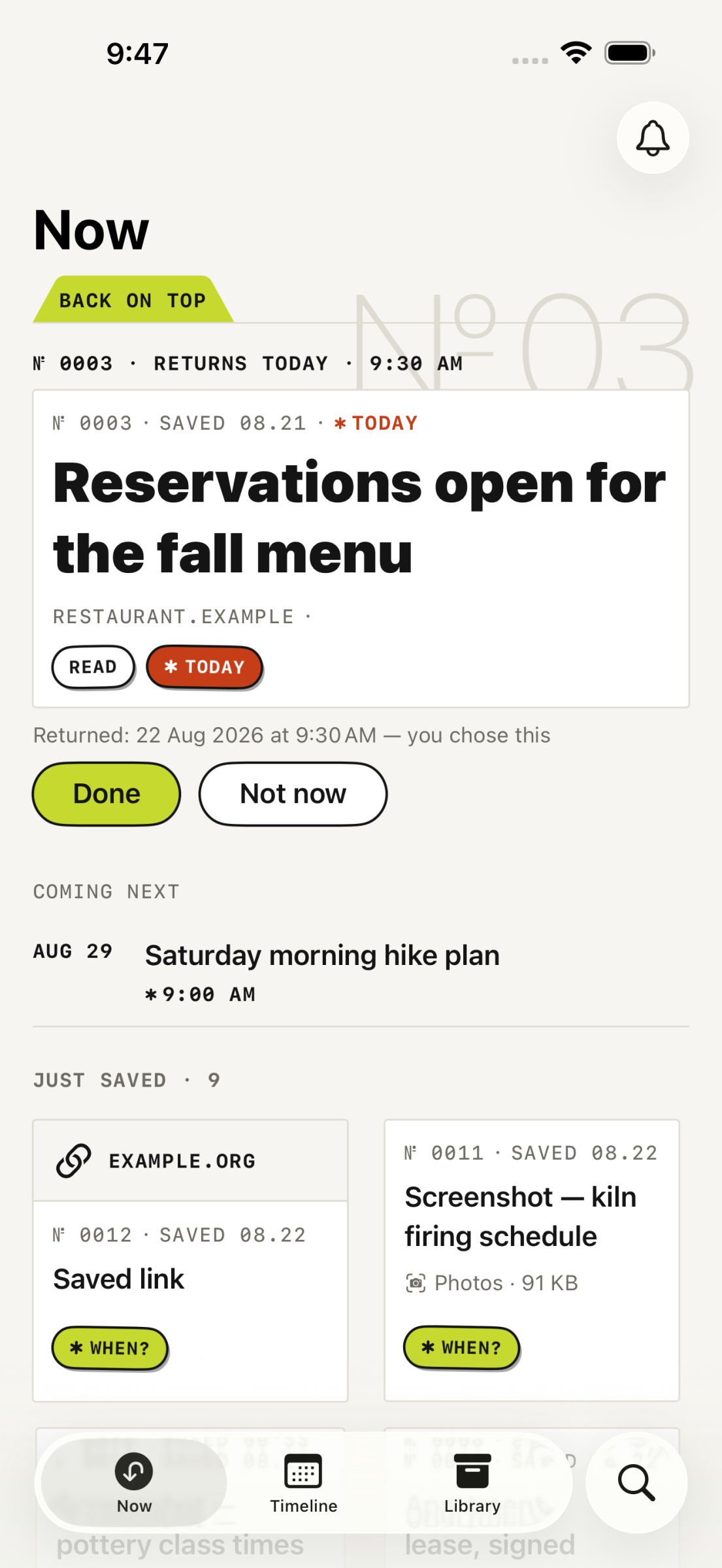
Share a link, a PDF, or a screenshot to Laytr from any app, and you choose a return time: tonight, this weekend, next week, a specific day, or “someday.” Laytr reminds you when the time comes. A new Queue tab lines up what’s due, and each item gets a “Not now” button right next to “Done.” There are no streaks and no overdue badges, which I appreciate. The app also saves the full text of articles for offline reading, makes the text in your screenshots searchable, and imports your old library from Pocket, Instapaper, Omnivore, or Raindrop.
There’s no Laytr account and no Laytr server. Your saves sync between iPhone, iPad, and Mac through iCloud. A recent update added widgets and Shortcuts actions, and there’s an Android version on Google Play, too, though that one unsurprisingly won’t sync with Apple devices.
Laytr comes from Mostafa Talaat, an Ontario-based developer who ships apps under the name Waitery Inc. His other apps include TrialCanary, which tracks your subscriptions so you can cancel the free trials you forgot about, and Burn, a calorie tracker.
Laytr is free for up to 30 saves, and reading, search, and export are never limited. Premium is $1.99 a month, $14.99 a year, or $39.99 once; that lifetime price is $24.99 through December 31. If you cancel, nothing gets locked; you just can’t add more than 30 saves. Check out Laytr on the App Store.