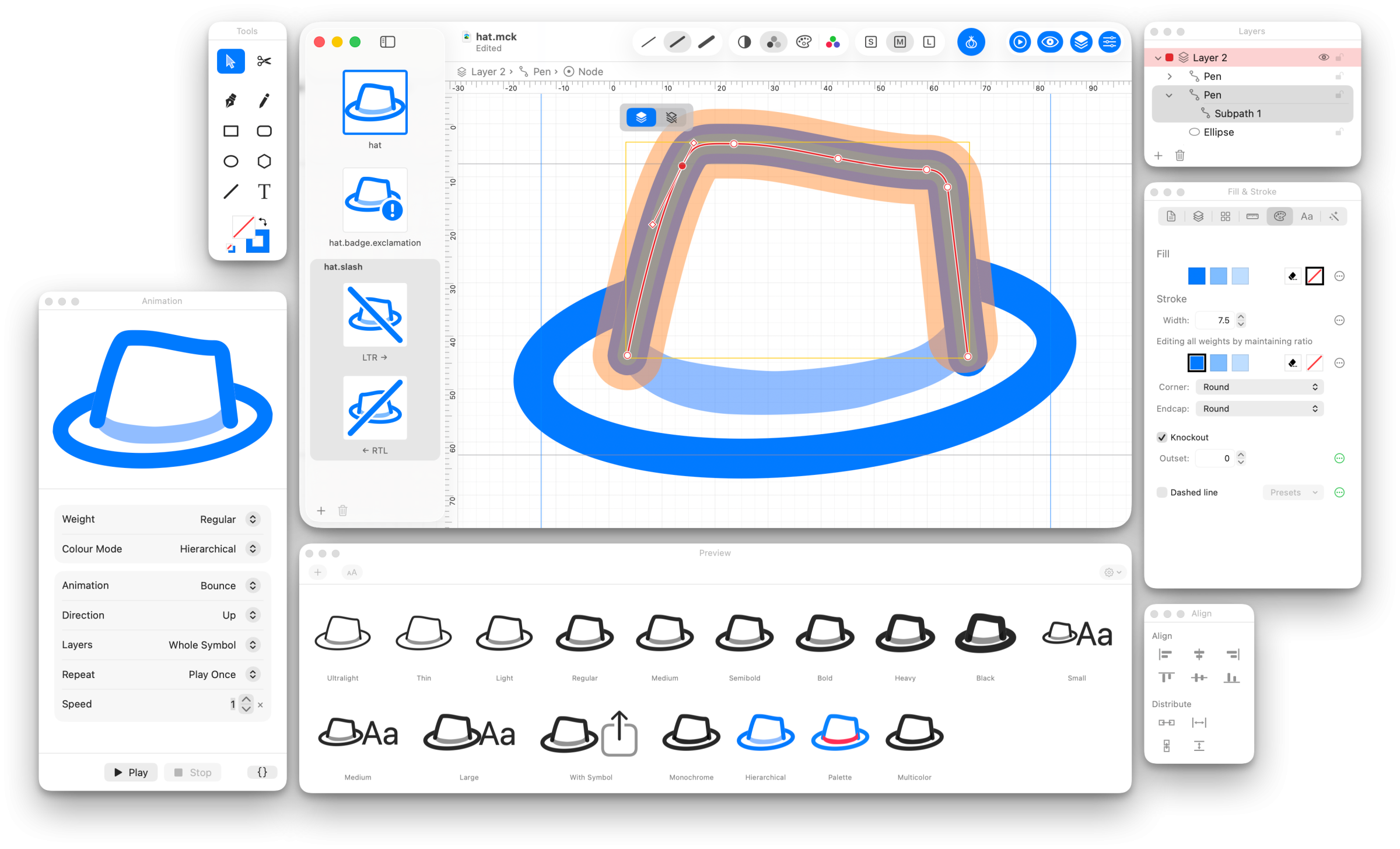
If you build apps for Apple’s platforms, you likely use SF Symbols. Apple ships thousands of them, they’re very well designed, and most of the time the one you need already exists. Then there’s the time you can’t find the precise Apple-drawn symbol that your app needs, and you need to make your own. Now, there’s a new app for that.
Today, Amy Worrall — the indie developer behind Double & Thrice, whose Octavo you may already know — is releasing McKinley, a Mac app that feels a bit like a custom Photoshop just for SF Symbol creation.
Making a custom symbol means drawing over Apple’s template in a real vector app and hoping you named the layers correctly, or wrestling with Apple’s own SF Symbols app, which is a very good symbol browser and a considerably less good symbol editor. Apple wants your symbol drawn at three weights so that it can interpolate the rest. That can lead to some pain.

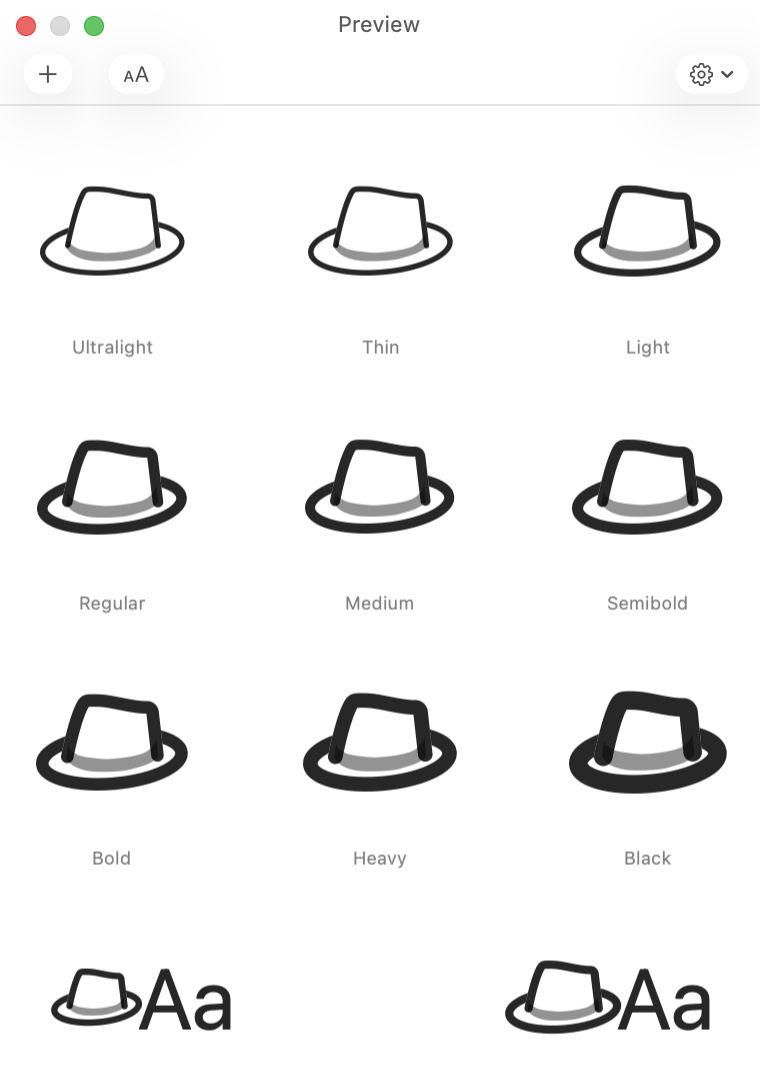
McKinley is a real vector editor: Bézier paths, boolean operations, shapes, freehand, text, layers, groups. A lot of this is standard for a certain class of image editor. What’s unique is that McKinley knows what an SF Symbol is. You draw one set of objects, and McKinley keeps them point-compatible across every weight, size, and color by construction — no separate drawing per variation. The geometry stays linked while you work; if Black genuinely needs a different shape than Ultralight, you unlink that one bit and leave the rest alone.
A few more things Amy got right:
- Strokes stay strokes. You don’t convert to outlines before export, and stroke width can vary per weight.
- Colors go on objects, with no special layers required. Monochrome, hierarchical, palette, and multicolor rendering all fall out of that.
- Badges, slashes, and enclosures are adornments. Change the base symbol and the badged and slashed versions update with it, left-to-right and right-to-left variants included.
- The preview is Apple’s own renderer. What you see in the Preview palette is what your app will draw, across every weight and rendering mode, with an animation preview next to it so you can watch your symbol bounce before you ship it.
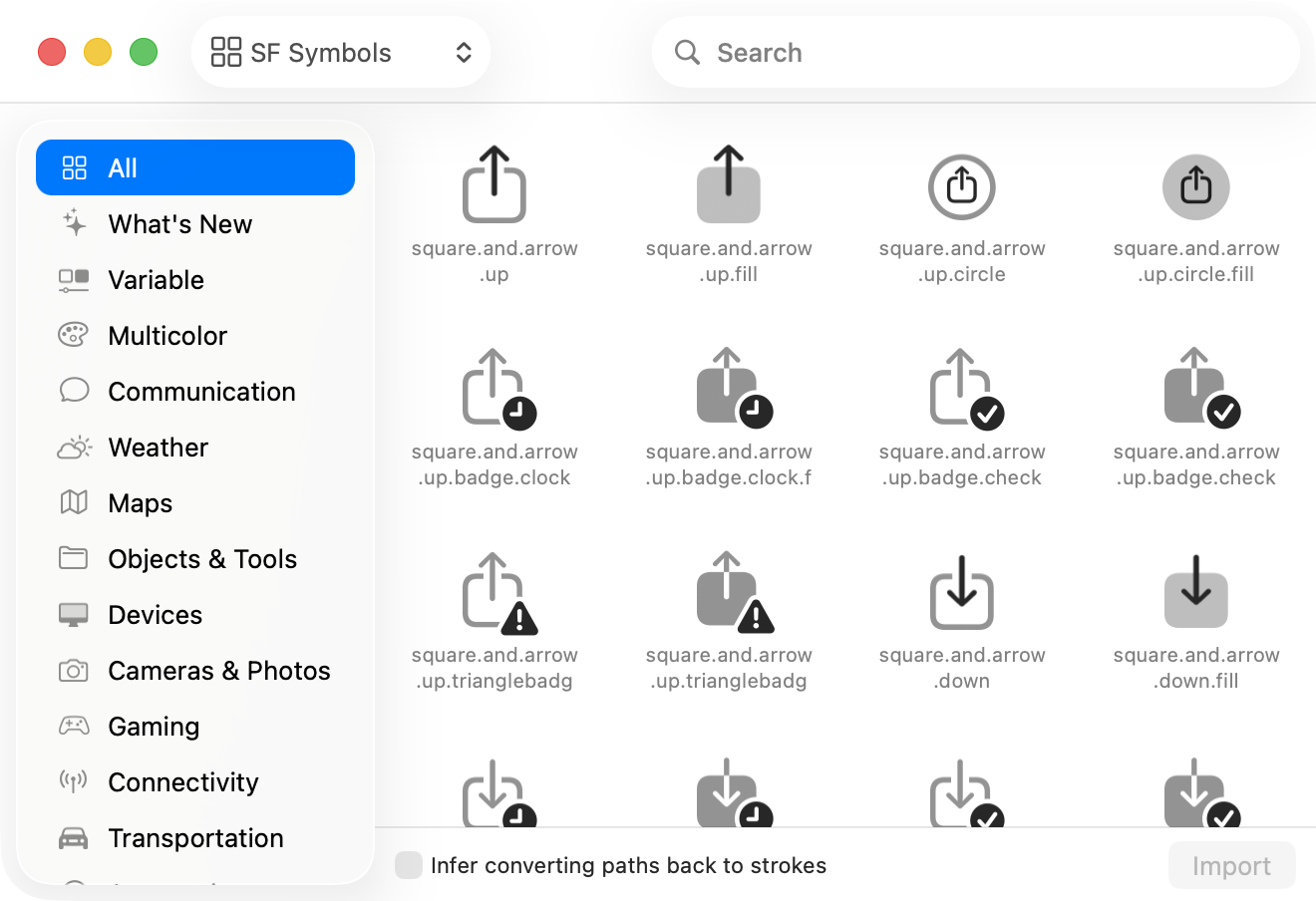
- Full-featured import and export. Import an SVG, or start from an existing SF Symbol, Material Symbol, Phosphor, or Iconify glyph. Export syncs straight into your project’s asset catalog. It also exports Android VectorDrawable and plain SVG, for developers living that cross-platform life. (My condolences.)
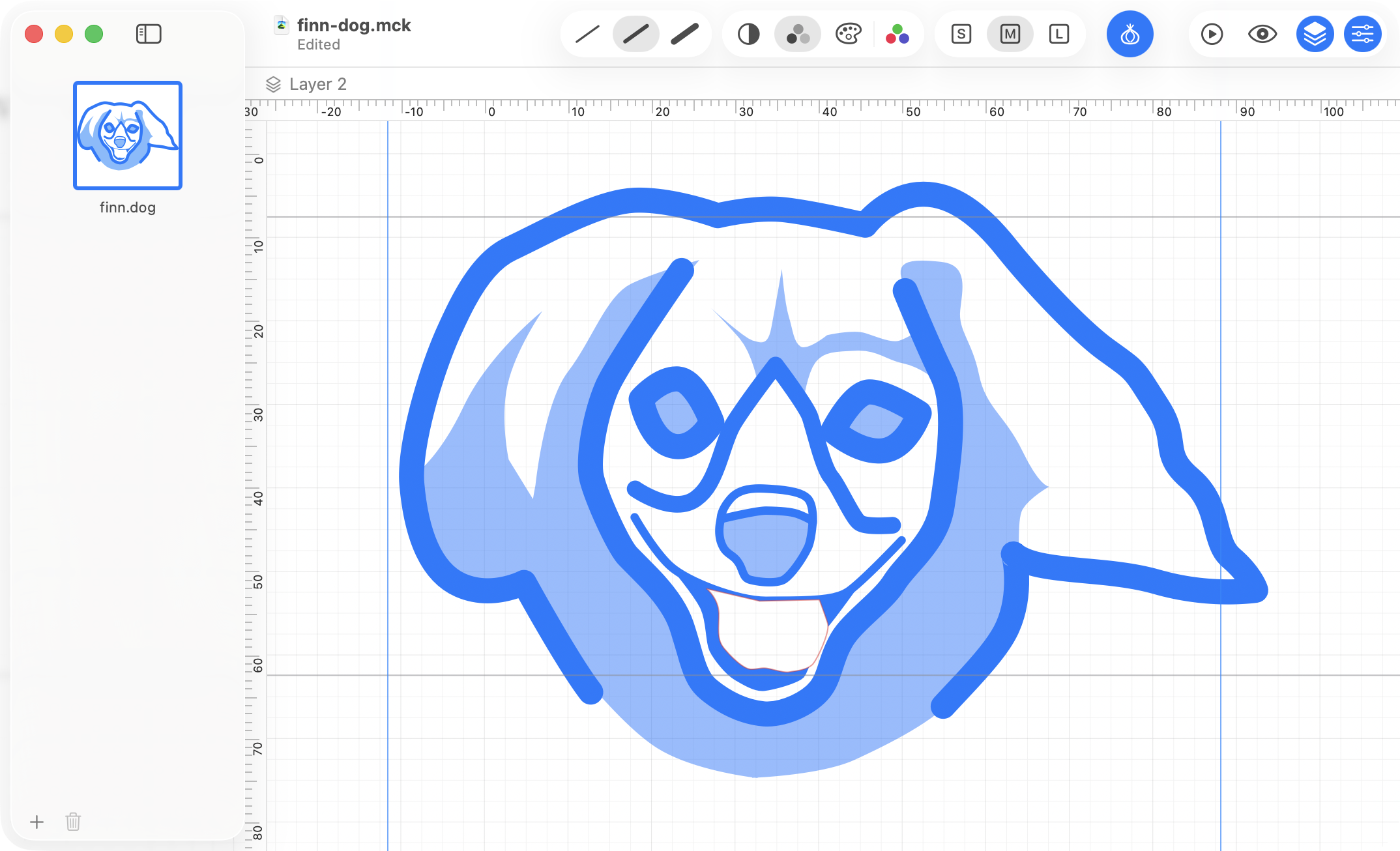
Amy’s press kit describes McKinley as “a Mac-assed Mac app,” and that’s true in my exploration. Native AppKit, Quick Look previews, a full AppleScript dictionary. It looks like a true Mac app, because it clearly is one, built by someone who gets what makes a good Mac app a good Mac app.
It’s a one-time purchase, not a subscription, and you know I don’t mind paying indie developers for the tools that save me time.
McKinley launches today, Monday, September 7, at 11am UTC (that’s 7am Eastern). It’s $60, £55, or €65, bought once, and that includes every 1.x update. If there’s ever a version 2, version 1 owners get a discounted upgrade, and version 1 keeps working either way. For launch week it’s 15% off — $51, £46.75, or €55.25 — until 11am UTC on Monday, September 14.
It’s sold direct from mckinleysymbols.com, and there’s a free 14-day trial that is the complete app, saving and exporting included.