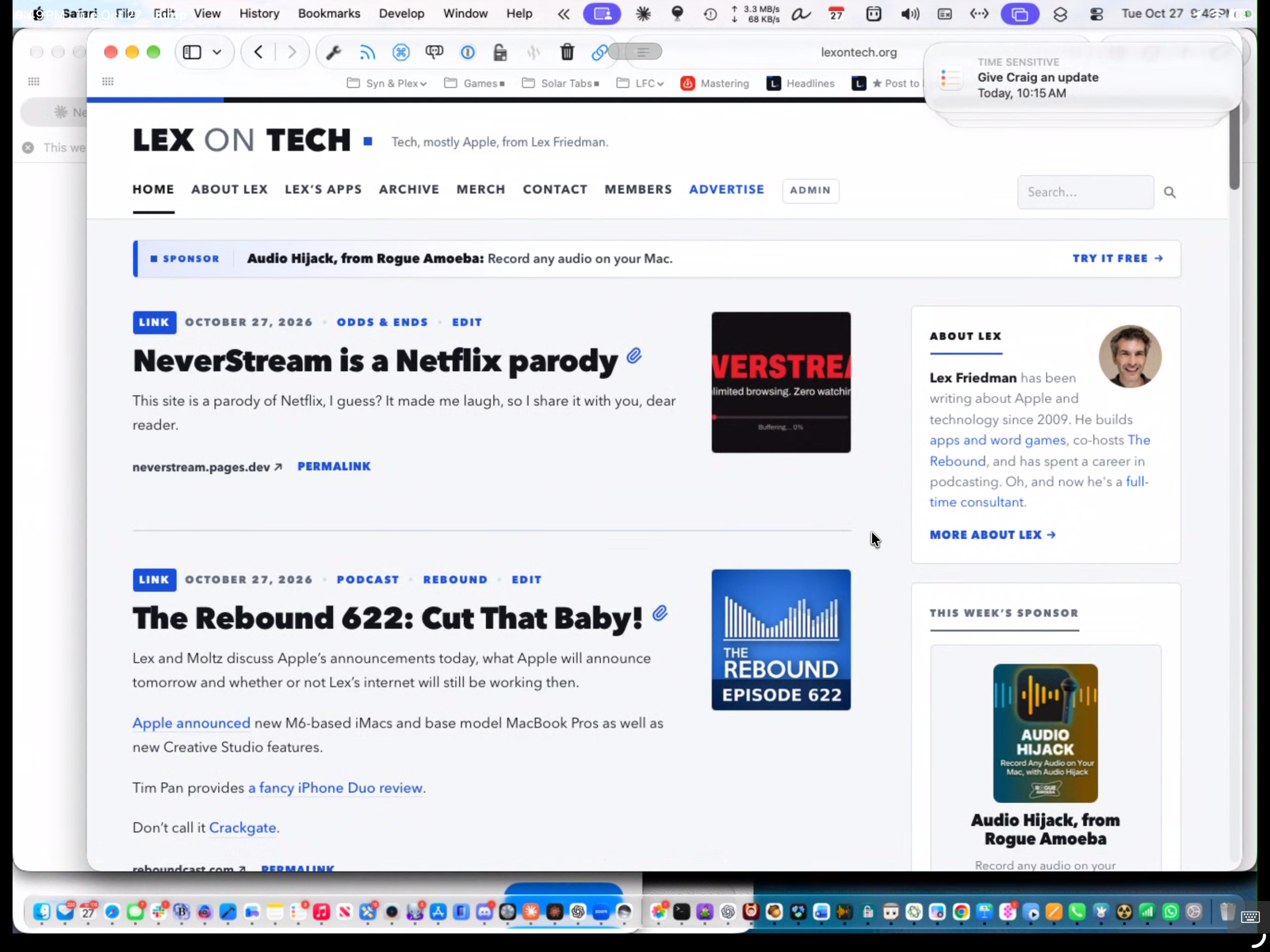
Jump Desktop makes my iPad another Mac when I need it
A couple years back, I gave up Mac laptop life. This was after years of heavy Apple laptop usage. But I decided I wanted my work to be tethered to my home office, where my laptop gave me freedom to work everywhere — at the dinner table, while on the couch with the family, on vacation. I wanted to force myself to go into the office to work, instead of continuing my always be working approach. So I switched to Mac Studio, tethering my work to my office.
That’s still my mindset. I swear. But because of my app development, which I consider “fun” as much as “work,” sometimes I want to keep working in Xcode after hours. I don’t mind iterating on an app for fun while watching TV with my wife. (To be clear, I do not iterate on my apps at the dinner table.)
But I still don’t own a laptop anymore, and I didn’t jump on buying a MacBook before the recent price hike. That’s okay. My iPad is my remote Mac, and it works everywhere.
I installed the free Jump Desktop Connect app on my Mac, which makes it reachable. I installed the Jump Desktop app on my iPad — and eventually, my iPhone.
Now, whenever I want to access my Mac, I just open the Jump Desktop app on my iOS device, and boom, after a weird puff of smoke animation, I’m staring at my Mac’s screen.
This works when I’m two rooms over, or when I’m in another country. It feels indistinguishable from magic. And every connection is end-to-end encrypted, so the magic isn’t coming at the expense of security.
You might wonder why I don’t just use the screen sharing that’s built into macOS. Two reasons. First, there’s no built-in way to use it from an iPad or iPhone; you’d need a third-party VNC app anyway; I’ve tried a couple. Second, built-in screen sharing is happiest when both devices are on the same network; reaching your Mac from another country means fiddling with port forwarding or a VPN. Jump handles all of that for you. It also uses its own Fluid protocol rather than plain VNC, so it’s noticeably smoother and sharper, and it makes juggling a giant monitor (or several) far easier. And the input controls are *far *superior.
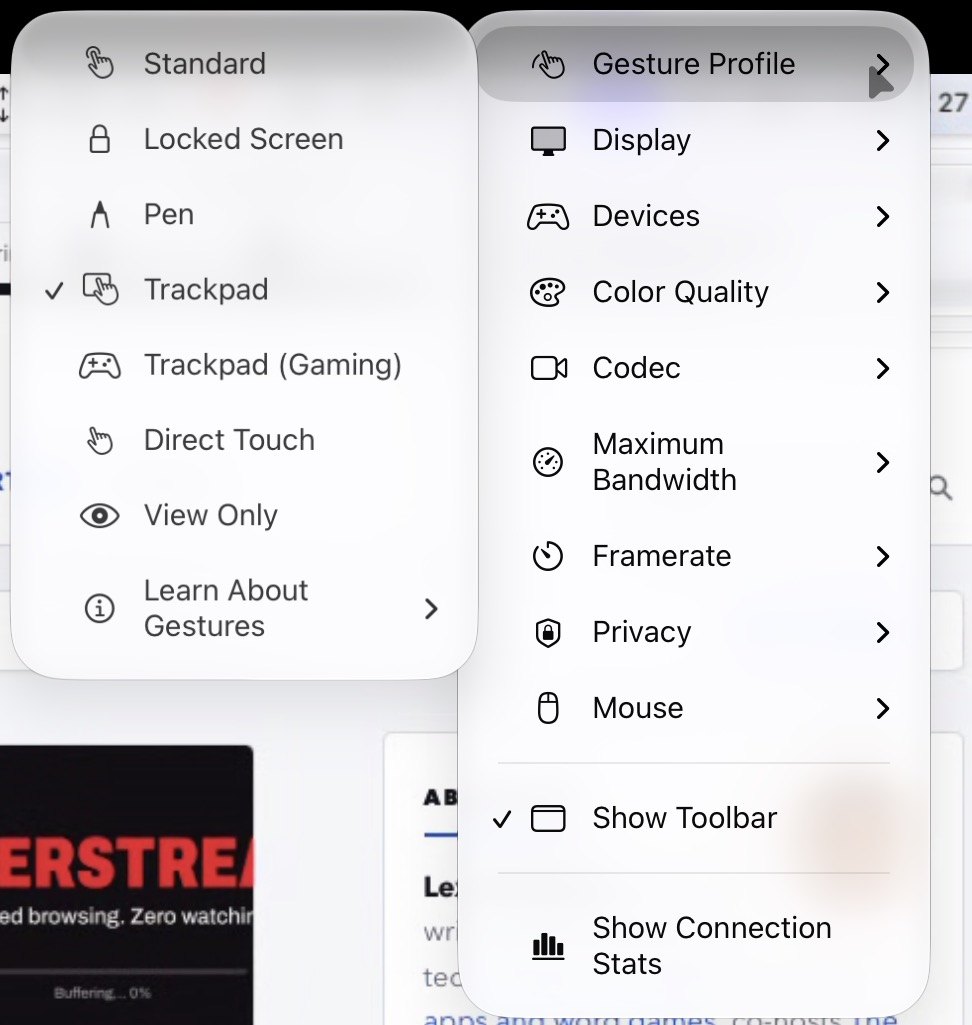
⤢Jump Desktop has smart, helpful settings — and approaches to controlling your Mac
The app offers a slew of input methods, for which I’m grateful. When you play around with the different options — tapping to click, double-tapping to double-click, two-finger tapping to right-click — they all make sense, and several are useful. I use a gigantic monitor with my Mac Studio setup; it’s three feet wide. On my iPad Air screen, it gets tiny. But I can pinch to zoom and look at a specific region, and it works great. Jump can also create a virtual display on the Mac sized for the device you’re connecting from, which sidesteps the tiny-screen problem entirely.
Jump Desktop has a small startup cost. The Mac side is free. The iPad/iPhone app is $15, and that one purchase covers all my iOS devices. But here’s the thing: It works perfectly. My iPad becomes my Mac. My productivity doesn’t stop. It’s remarkable.