Eons ago — by which I mean, several hours ago — I linked to an open-source app I discovered earlier this week, PingPlace, which lets you control where Notification Center alerts appear on the Mac. I find the upper right corner of my oversized screen an unhelpful place for such alerts; I want my notification banners to show up dead center, like they do on the iPad.
I like PingPlace. I don’t love it. I had two primary issues: “Time Sensitive” alerts still showed up in the original spot on the right edge of my screen. And I was seeing a consistent “hop”: Alerts started at the default position, then jumped to where I wanted them.
So I built my own version. It’s not actually a fork of PingPlace, though I remain grateful to PingPlace for demonstrating that this could be done.
I’m calling my app NotiVacation. You can choose the spot you’d like your notifications to appear — and they do. That’s it. I am LOVING my top-centered notifications because I can see them faster (including on video calls), and reminders are tougher to ignore tucked away in a corner.
Both apps use the same basic trick: macOS draws every notification inside an invisible, screen-sized window that belongs to Notification Center, and the Accessibility API lets another app slide that window around. The difference is in timing and recognition. PingPlace waits until a banner has fully appeared, checks it against a short list of known notification types, and then moves the window, which is why banners flash at the top right first and why Time Sensitive alerts — which don’t match that list — stay put.
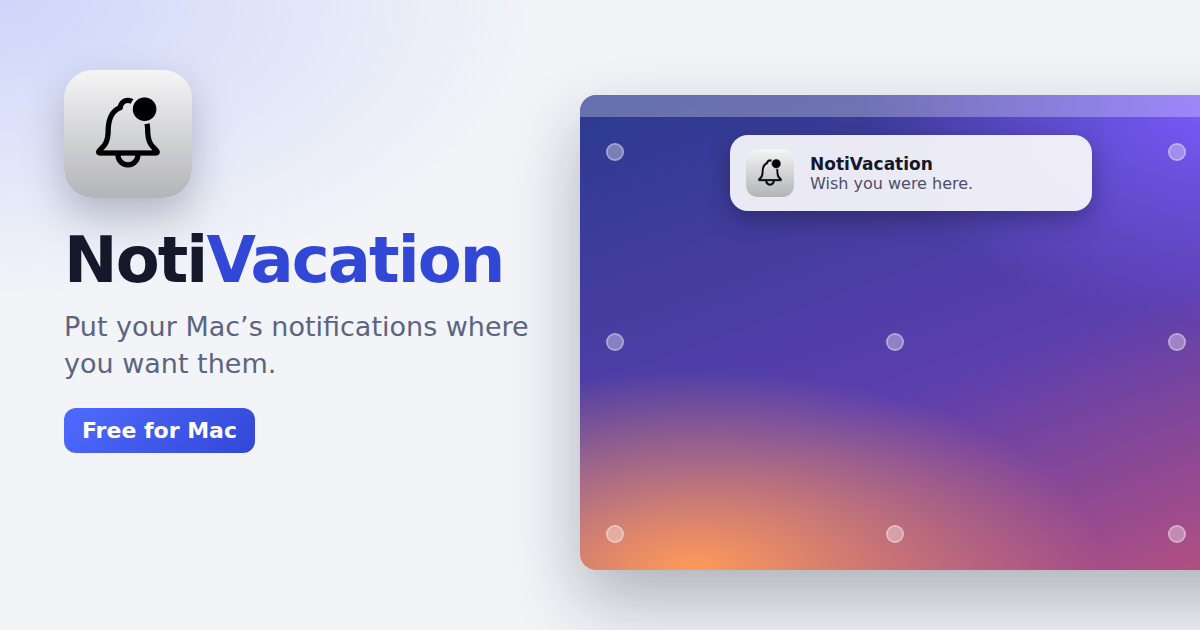
NotiVacation moves the window the instant it is created, before the banner has even been drawn, using the size and position it measured from the last banner, so the notification animates in at its new home from the start. It also recognizes anything that looks like a notification rather than only a fixed set of types, so alerts and Time Sensitive notifications move too. If none of that makes sense to you, it doesn’t matter much: The app does what it should.
NotiVacation is free and requires macOS 26.