James Thomson is my friend. He’s also an insanely talented developer and former Apple engineer. He is meticulously focused on making and keeping his apps awesome. You probably know about some of them. Maybe even all! But let’s celebrate James’s greatness regardless.
James sells apps under his TLA Systems umbrella. Though he no longer makes DragThing, for which we should all pour one out, he still makes apps that are focused on numbers large and small.
There’s PCalc for Mac. There’s PCalc for everything else — iPhone, iPad, Vision Pro, and Apple Watch.
You might think to yourself, Hey, at least some of those devices come with a default calculator app from Apple. To you, I say, so what? James’s is better. I promise.
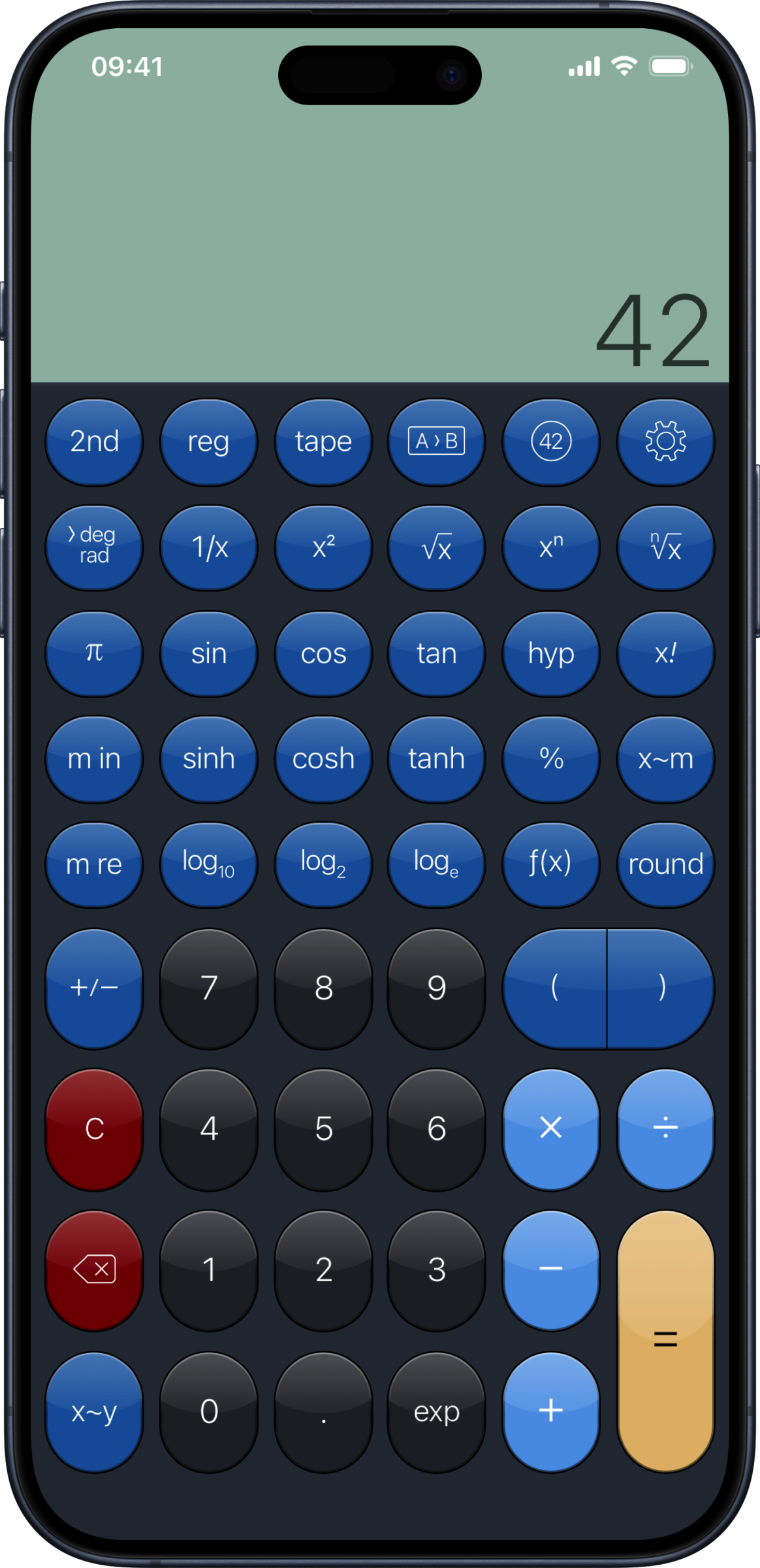
For starters, James has been making PCalc since 1992. That’s more than three decades of one person thinking very hard about calculators, and it adds up. (Listen, my calculator jokes are going to multiply exponentially. I hope they don’t divide us. That would be a minus.)
PCalc does all the scientific-calculator stuff you’d expect, and then keeps going. There’s an optional RPN mode, with one-tap access to the stack, for those of you who know what that means and thus care. There are hex, octal, and binary modes with all the bitwise operators a programmer could want. There’s a long, editable list of unit conversions, plus constants and functions you can write yourself, all synced across your devices. There’s a paper tape, so you can see what you actually typed. Flick the display one way to undo; flick it the other way to redo. The attention to detail is a real plus.
And you can make PCalc look and work the way you want. It has a slew of themes, and a bunch of button layouts — and if none of them is quite right, there’s a full layout editor, so you can build your own calculator, button by button, and share it with others. (You have calculator friends, right?)
It also goes everywhere you do: a full calculator on your Apple Watch (with a tip calculator, too), a menu bar widget on the Mac so you can do quick math without leaving the app you’re in, Shortcuts support for automation nerds, and Handoff, so a calculation you start on your iPhone can finish on your Mac.
PCalc is $9.99, and one purchase covers iPhone, iPad, Vision Pro, and Apple Watch; the Mac version is a separate $9.99. If you want to dip just a single digit in first, PCalc Lite is free, and you can buy just the extra features you want from inside it.
James also makes Dice by PCalc, and thank goodness he makes calculator apps, because the geometry on display in Dice is bonkers. And that’s not all: Dice isn’t a random number generator with a picture of a die on it. It’s a physics simulation. Near-photorealistic 3D dice tumble, bounce, and clatter around a wooden tray, and when the numbers don’t go your way, you can flick them across the screen in frustration. Beyond the usual D4-through-D20 set, you get coins, D2s, D14s, D16s, D18s, D24s, D30s, percentile dice, and Fate dice. There are a variety of gorgeous dice sets to choose from, and a photo mode for showing them off.
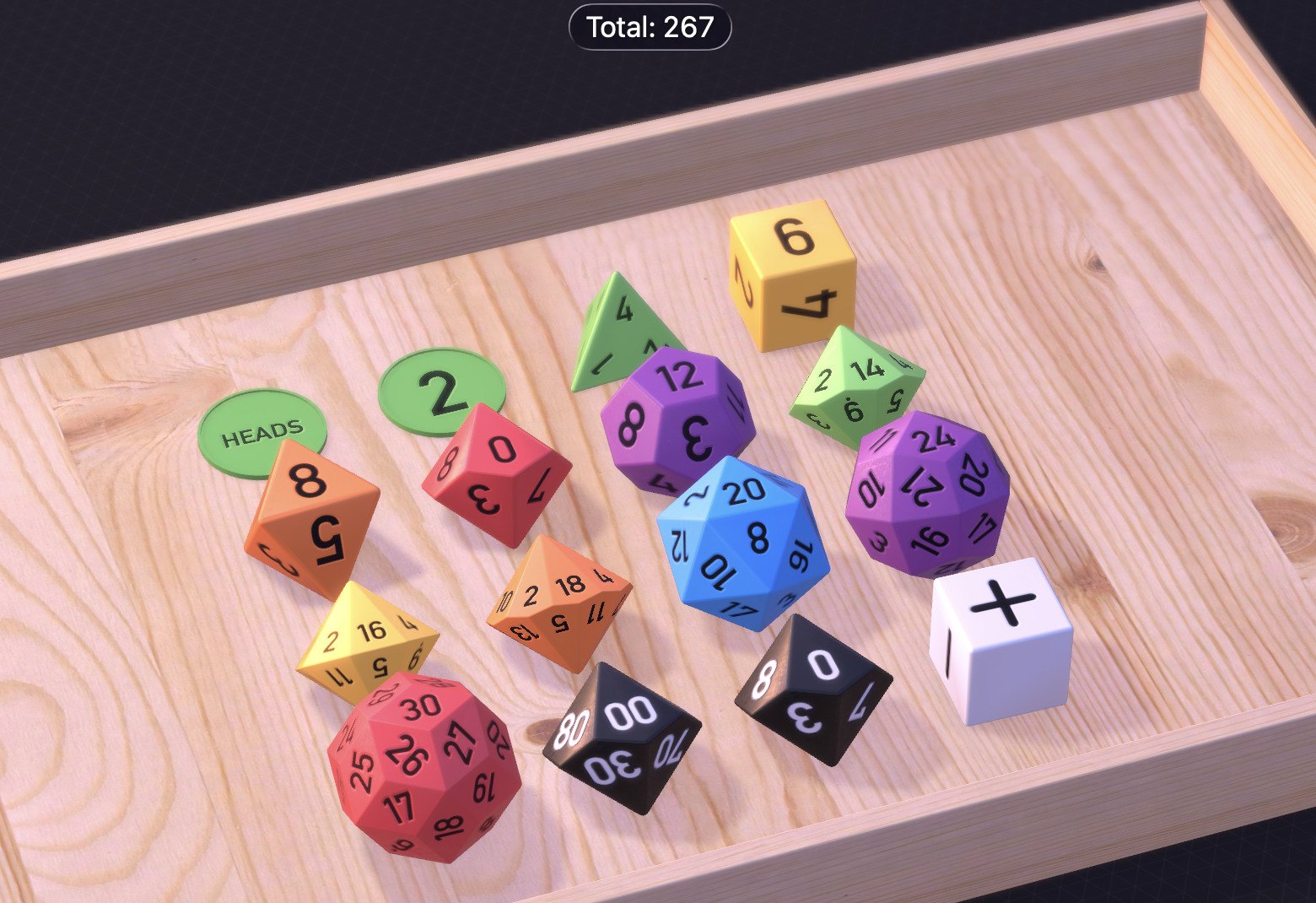
Dice is clearly built by someone who plays tabletop games. Roll with advantage or disadvantage, add a modifier, and Dice adds it all up for you — of course it does; it’s from the PCalc guy. Save named presets for your favorite sword attack. Make custom dice with any text, emoji, or images on the faces, and share them with your party. Write your own roll rules, like rolling four dice and dropping the lowest, or automatically rerolling ones. Dice can read the results aloud, it has interactive widgets, and there’s even an AR mode, so you can roll virtual dice on your actual table. Which, granted, you could also do with actual dice. But then you’d have to pick them up. Gross.
Dice is $1.99, and runs on iPhone, iPad, Apple Watch, and Apple TV; the Mac version is a separate $1.99.
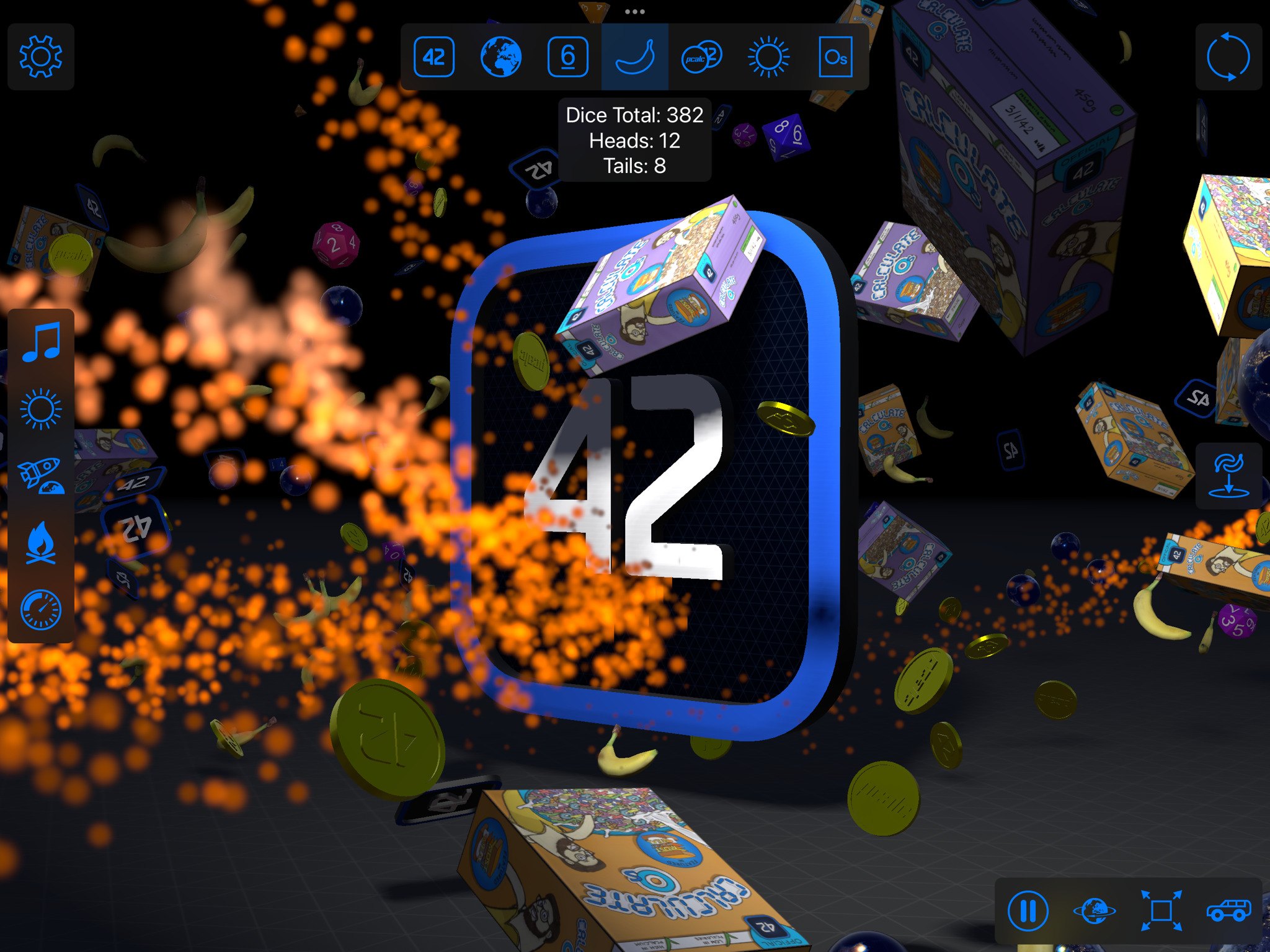
And James also makes About by PCalc. It’s a truly insane app that must be experienced to be believed. It began life as PCalc’s About screen. There’s a Panda King. Said Panda has a castle. The whole thing is, if you will, panda-monium. It’s bonkers. It’s bananas. That’s another bit of wordplay.
Check out James’s apps.