Greg Pierce makes apps for nerds and power users — but also for everyone else.
Pierce is the developer behind Agile Tortoise, a name so good you might get shellshocked.
If you’ve spent any significant amount of time nerding out over iPhone automation, you’ve probably encountered Pierce’s work even if you didn’t realize it. He authored the original x-callback-url specification — after kicking the idea around with Marco Arment — which gave apps a standardized way to pass information back and forth via URLs. This was in 2011, years before Shortcuts existed.
But Pierce is better known for the apps he makes, and the big one is Drafts.
When I wrote about Drafts for Macworld 1000 years ago (specifically in 2012 and 2013), I loved it then. And it’s significantly better now.
You have some text. You don’t necessarily know what the text is yet.
Maybe it’s an email. Maybe it’s a text message. Maybe it’s a note. Maybe it belongs in Reminders. Maybe it’s the beginning of a blog post. Maybe it’s Maybelline.
Drafts doesn’t care. It just wants you to write it down first.
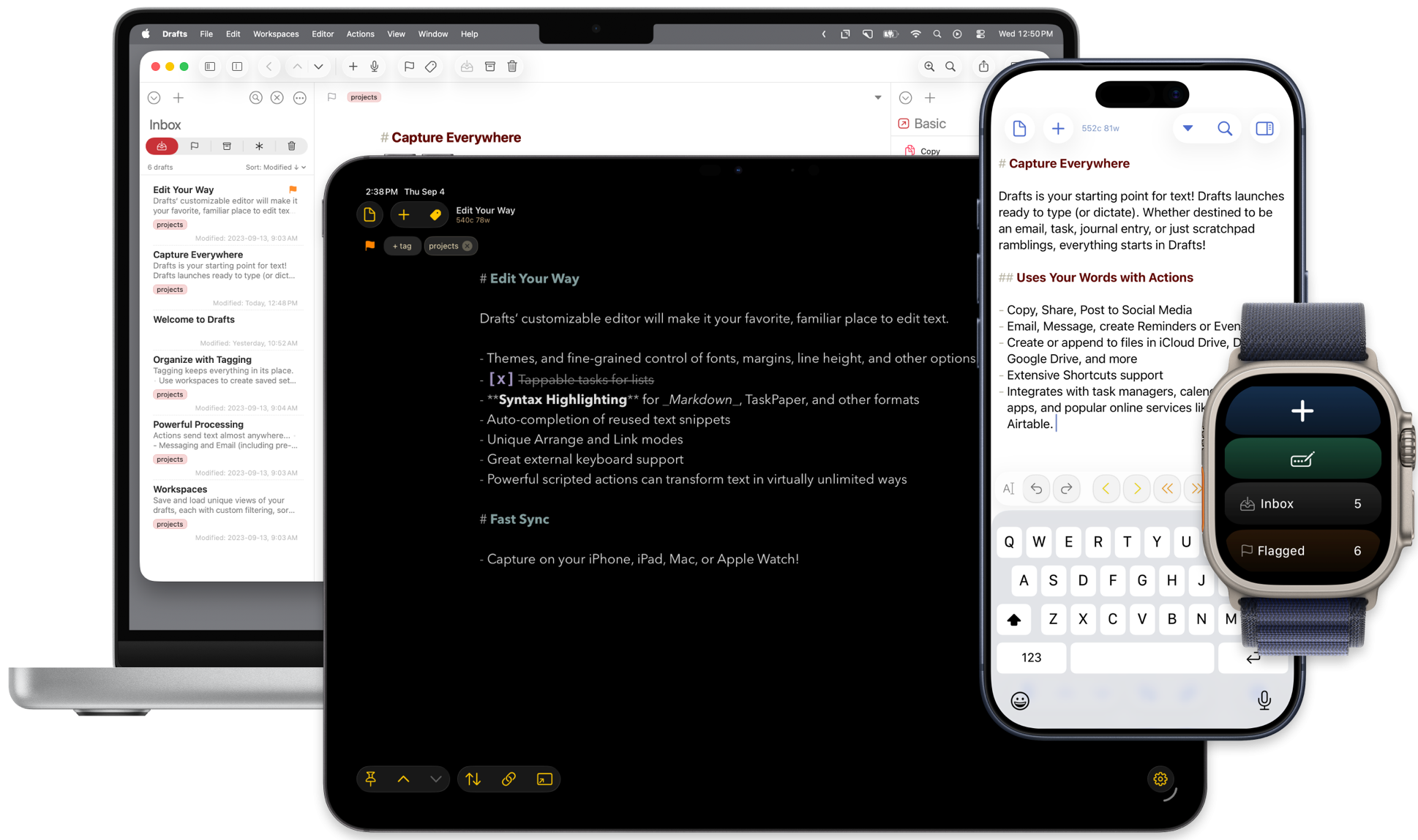
Open Drafts and you’re immediately looking at a blank page with the keyboard ready. You capture the thought, and only afterward decide where it goes. That’s the whole philosophy of the app: Get the text in first; figure out the destination later.
Drafts can send text all over the place, transform it, run actions on it, invoke Shortcuts, execute JavaScript, work with other apps and services, and generally become as ridiculously sophisticated as you want it to be. There’s an entire community built around sharing Drafts actions.
You can understand Drafts in about twelve seconds, but you could spend years getting better at using it.
Pierce makes several other apps, and there’s a nice thematic consistency to them. They take some small task that computers tend to make more complicated than necessary — and they aggressively remove the crap from the process.
Tally is for counting things. That’s it! You tap to count up. Swipe down to count down.
Terminology is Pierce’s dictionary and thesaurus app, except describing it that way undersells it. Pierce calls it “a browser for the English language,” which is exactly right. You can move between definitions, synonyms, antonyms, related words, more- and less-specific terms, and then jump outward to other reference sources.
Then there’s Simple Scan, which is exactly what it says it is: a simple way to scan. Scan your document with your iPhone’s camera, get a searchable PDF, and send it somewhere.
There’s a common thread through Agile Tortoise’s apps. They start with very small ideas: capture this text, count this thing, look up this word, scan this page. Then Pierce works to keep things simple on the surface, with tons of hardcore features under the hood for the adventurously nerdy.