I wear earbuds to sleep. I never thought I would be that person, but here we are.
I specifically wear the Soundcore Sleep A20 earbuds. They’re designed to be worn while sleeping and do a great job of staying in my ears while my head is on the pillow—a feat I’ve never found AirPods capable of. There’s a newer model, the Soundcore Sleep A30, but Wirecutter still recommends the A20 over the A30.
I use them to pipe white noise directly into my ears so that, on mornings when other members of my family have to get up really early, I can try to stay asleep a little longer.
On mornings when I have to wake up early, though, I need to set an alarm. I’ve become so accustomed to sleeping with these things in my ears that I wear them even on nights when I’ll need to get up early. But the alarm I set on my iPhone doesn’t ring through the earbuds. It plays through the phone’s speaker, awakening my wife on mornings when she gets to sleep in.
That’s no good.
There’s no setting I can find in iOS that lets you send an alarm exclusively to Bluetooth-connected earbuds instead of through the iPhone’s speaker. But there are third-party apps that do exactly that.
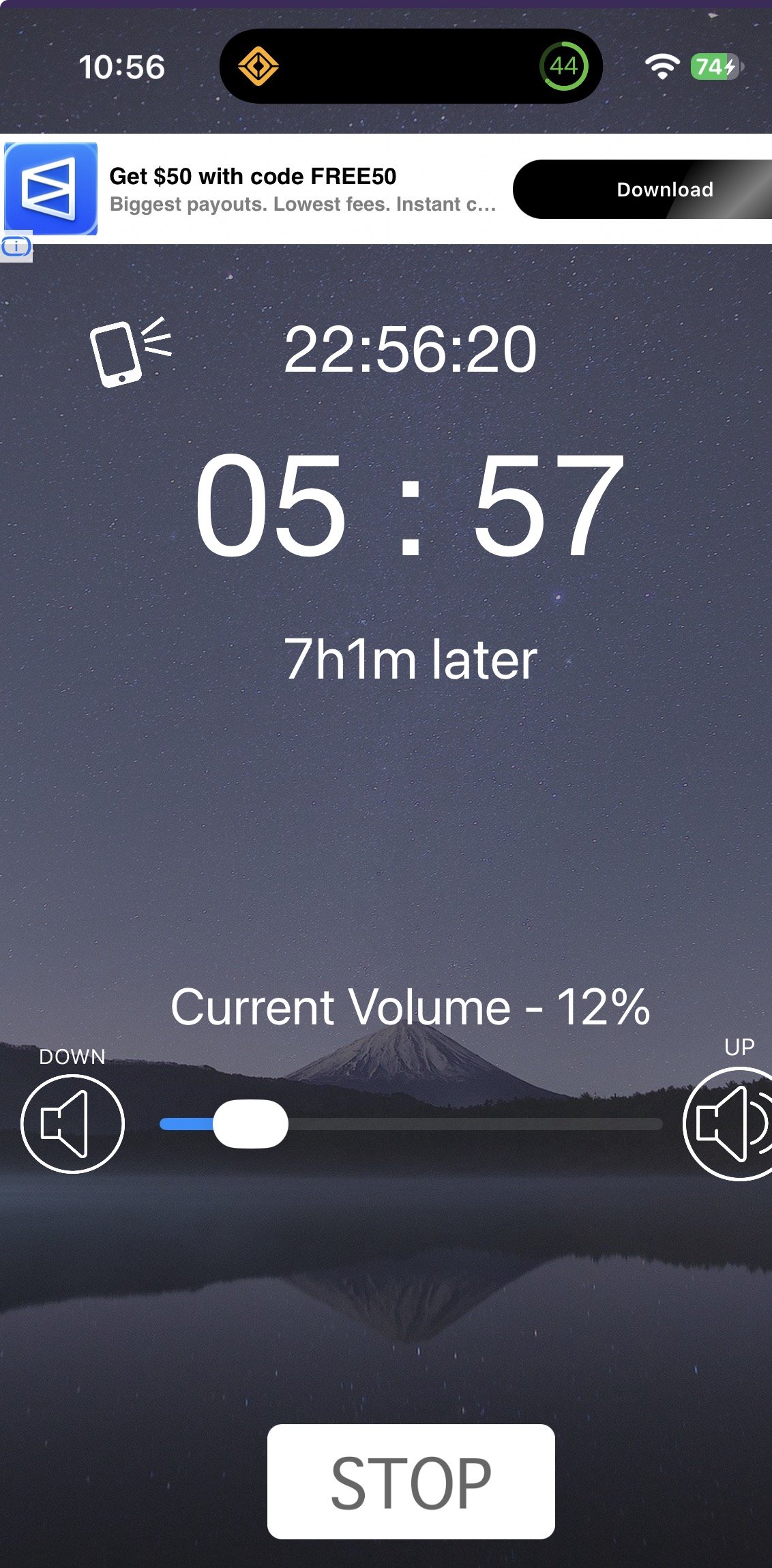
I found one that works called Headphone Alarm. The interface is nothing to write home about, and I cropped my screenshot so you couldn’t see the bottom banner ad with its gratuitous nudity. But the app does what I need: It plays my morning alarm directly into my ears.
I’m a nervous person when it comes to waking up on time. So I tend to set one alarm in Headphone Alarm and a backup alarm on my iPhone for five minutes later. The app wakes me up, and then I turn off the backup before it rings.
My wife is still sleeping, and I’m awake. It’s a dream come true.
More for her than for me, but still.